Cloud computing has changed the way people store information, access software, and manage digital services. Instead of depending entirely on physical computers or local storage devices, users can access computing resources through the internet. This approach makes technology more flexible, accessible, and easier to manage.
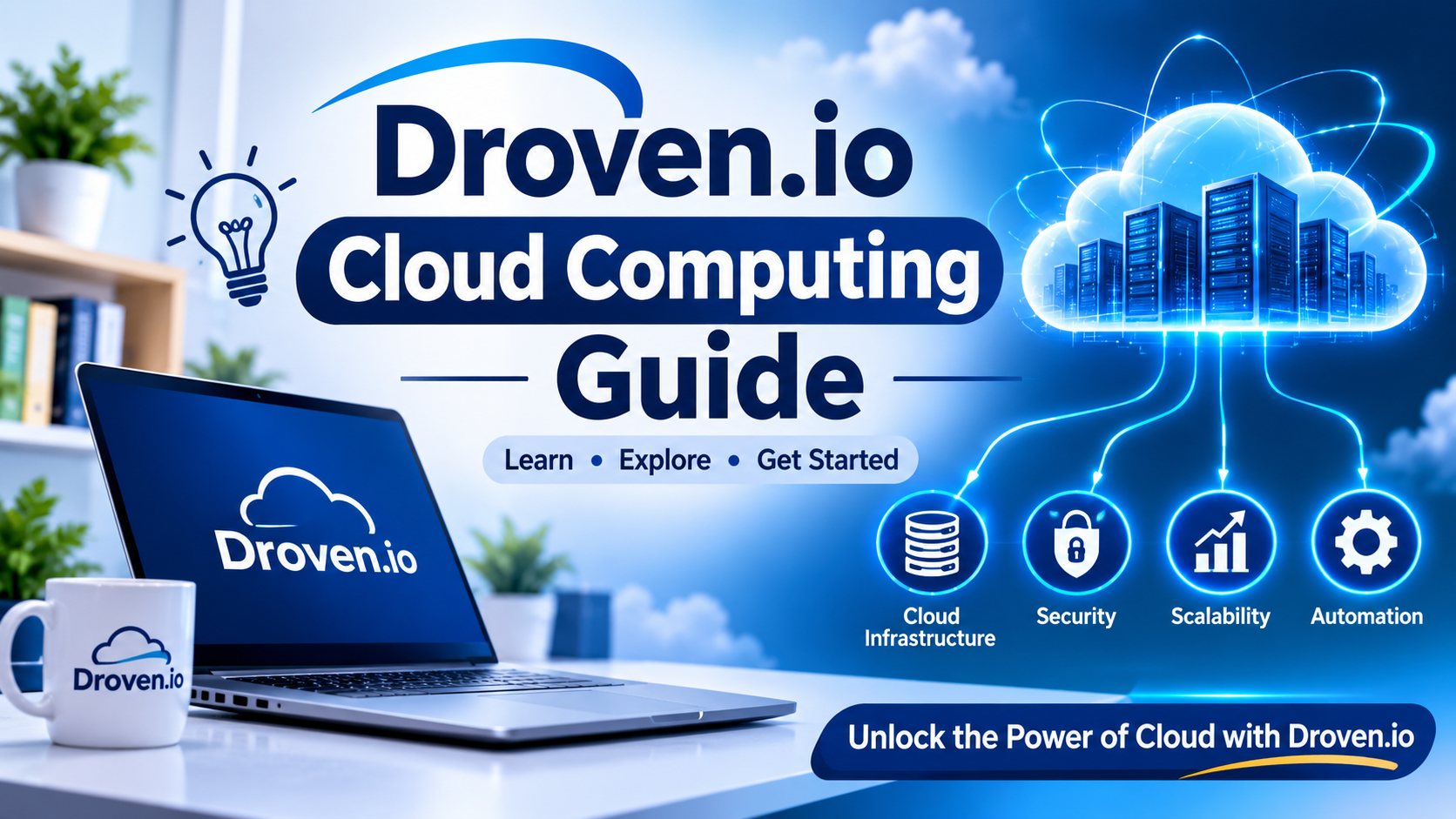
The Droven.io Cloud Computing Guide helps readers understand the basic concepts of cloud technology, its main services, practical applications, and potential benefits. Whether you are a student, business owner, technology enthusiast, or beginner, understanding cloud computing can help you make better decisions in an increasingly digital world.
What Is Cloud Computing?
Cloud computing is a technology that allows users to access computing resources over the internet rather than relying only on their own hardware. These resources can include servers, databases, storage systems, networking tools, and software applications.
For example, when you save photographs to an online storage service, you can access them from different devices without transferring files manually. Similarly, businesses can use cloud-based applications to manage documents, communicate with employees, and store important information.Cloud computing reduces the need to purchase and maintain expensive physical infrastructure. Users can access the resources they need through an internet connection, depending on the service provider and subscription plan.
How Does Cloud Computing Work?
Cloud computing works through a network of remote servers hosted in data centres. These servers provide computing power, storage, and other digital resources to users through the internet.The process generally involves three main elements:
- Cloud Servers: Powerful computers that process information and run applications.
- Internet Connectivity: Allows users to communicate with cloud infrastructure.
- Cloud Service Providers: Companies that manage the infrastructure and provide access to cloud resources.
When someone uploads a document to a cloud platform, the information is transferred through the internet and stored on remote servers. The user can later access the document from another compatible device.This system allows individuals and organisations to use digital resources without managing every part of the underlying infrastructure themselves.
Main Types of Cloud Computing
Cloud computing is available in different deployment models. Each model offers specific advantages depending on an organisation’s requirements, budget, and security needs.
Public Cloud
A public cloud provides computing resources through a third-party service provider. Multiple customers can use the same underlying infrastructure while keeping their data and applications logically separated.Public cloud services are popular because they offer flexible pricing, scalability, and relatively simple access to computing resources.
Private Cloud
A private cloud is designed for the exclusive use of a single organisation. It may be hosted within the organisation’s own data centre or managed by an external provider.Businesses that require greater control over their infrastructure, data management, and security policies may choose this model.
Hybrid Cloud
A hybrid cloud combines public and private cloud environments. It allows organisations to keep certain workloads in a private environment while using public cloud resources for other activities.For example, a company might store sensitive business information in its private infrastructure while using public cloud services to manage website traffic.
Multi-Cloud
A multi-cloud strategy involves using services from multiple cloud providers. This approach can help organisations select suitable platforms for different workloads and reduce dependence on a single provider.However, managing several cloud environments may require additional technical knowledge and coordination.
Understanding the Three Main Cloud Service Models
Cloud computing services are commonly divided into three categories: Infrastructure as a Service, Platform as a Service, and Software as a Service.
| Service Model | What It Provides | Common Use |
| IaaS | Virtual servers, storage, and networking | Hosting applications |
| PaaS | Development and deployment environments | Building software |
| SaaS | Ready-to-use online applications | Email and document management |
Infrastructure as a Service (IaaS)
IaaS provides virtual computing resources through the internet. Users can rent servers, storage, and networking infrastructure instead of purchasing physical equipment.
It is particularly useful for developers and businesses that need control over their computing environments without maintaining their own data centres.
Platform as a Service (PaaS)
PaaS provides an environment for developing, testing, and deploying applications. It includes tools and infrastructure that help developers focus on writing and improving software.
This model can reduce the time and effort required to manage development environments.
Software as a Service (SaaS)
SaaS allows users to access software through a web browser or application. The provider manages the infrastructure, updates, and maintenance.
Online email platforms, document editors, and project management applications are common examples of SaaS.
Benefits of Cloud Computing
Cloud computing offers several advantages for individuals, startups, educational institutions, and established organisations. One of its main benefits is cost efficiency, as businesses can reduce expenses on physical hardware, maintenance, electricity, and technical support by paying only for the resources they need. It also provides scalability, allowing users to increase or decrease computing resources according to their requirements.
Another important advantage is remote accessibility, which enables people to access applications and information from different locations using an internet connection. Many cloud platforms also provide data backup and recovery features that help protect important files and restore information after technical problems. Furthermore, cloud-based tools improve team collaboration by allowing multiple users to share documents, manage projects, and update information in real time without repeatedly exchanging separate files.
Common Uses of Cloud Computing in Everyday Life
Cloud computing is not limited to large technology companies; it is already used in many everyday digital activities. People rely on online storage to save photographs, documents, videos, and other files on remote servers. Similarly, video streaming platforms use cloud infrastructure and content delivery networks to provide digital entertainment. In education, cloud-based platforms support virtual classrooms, learning materials, and online assessments.
Businesses also use cloud applications for accounting, customer management, communication, and project organisation. Additionally, artificial intelligence depends on cloud resources to help developers train, deploy, and operate AI applications. These practical examples show how cloud computing supports different industries and makes modern digital services more accessible and efficient.
Cloud Computing and Data Security
Security is an important factor when choosing a cloud computing service. Although cloud providers invest in advanced security technologies, organisations and individual users also need to protect their information. Using strong and unique passwords, enabling multi-factor authentication, applying regular software updates, restricting access to sensitive data, and encrypting important files can help reduce security risks.
Maintaining independent backups and regularly reviewing account permissions are also useful practices. Before selecting a cloud service, users should understand its privacy policies, data storage locations, compliance standards, and recovery procedures. Since cloud security is a shared responsibility, both the provider and the user must follow appropriate security measures to protect data and maintain a safe computing environment.
Challenges and Limitations of Cloud Computing
Despite its many advantages, cloud computing also has certain limitations that users should consider before choosing a service. One common challenge is internet dependency, as accessing cloud resources usually requires a reliable connection, and poor connectivity can affect performance. Security concerns are another limitation because weak passwords, incorrect account settings, and poor access management may expose sensitive information. Users may also face unexpected costs when cloud resources are not monitored properly, particularly with usage-based pricing.
Additionally, provider dependency can make transferring applications and data between different platforms time-consuming and expensive. Another possible issue is service downtime, as technical disruptions can temporarily prevent users from accessing applications and stored information. Understanding these challenges helps individuals and organisations choose suitable cloud services and prepare for potential problems.
How to Choose the Right Cloud Computing Service
Selecting a cloud service depends on your technical requirements, available budget, and long-term objectives.Consider the following factors before making a decision:
- Identify Your Requirements: Determine whether you need online storage, application hosting, software development, or business infrastructure.
- Compare Pricing: Review subscription fees, storage limits, processing costs, and additional charges.
- Check Security Features: Look for encryption, authentication, access controls, and backup options.
- Evaluate Performance: Consider server locations, availability, and expected application performance.
- Review Scalability: Choose a service that can support future growth.
- Understand Support Options: Check documentation, customer support, and technical assistance.
Taking time to compare different providers can help prevent unnecessary expenses and technical difficulties.
The Future of Cloud Computing
Cloud computing continues to develop alongside artificial intelligence, automation, edge computing, and advanced data processing.Artificial intelligence applications increasingly depend on cloud infrastructure for accessing computing resources and managing large datasets. Edge computing is also becoming important because it allows certain data processing activities to happen closer to the devices generating the information.
Serverless computing is another developing approach. It allows developers to run application code without directly managing the underlying server infrastructure.These developments are creating new opportunities for businesses, developers, researchers, and educational institutions.
Final Thoughts
Cloud computing has become an important part of modern digital infrastructure. It provides flexible access to storage, computing power, software, and development tools without requiring every user to maintain physical servers.
The Droven.io Cloud Computing Guide introduces the essential concepts behind this technology, from deployment models and service categories to security practices and practical applications.Whether you are exploring cloud technology for education, personal projects, or business development, understanding its basic principles can help you make more informed technology decisions.